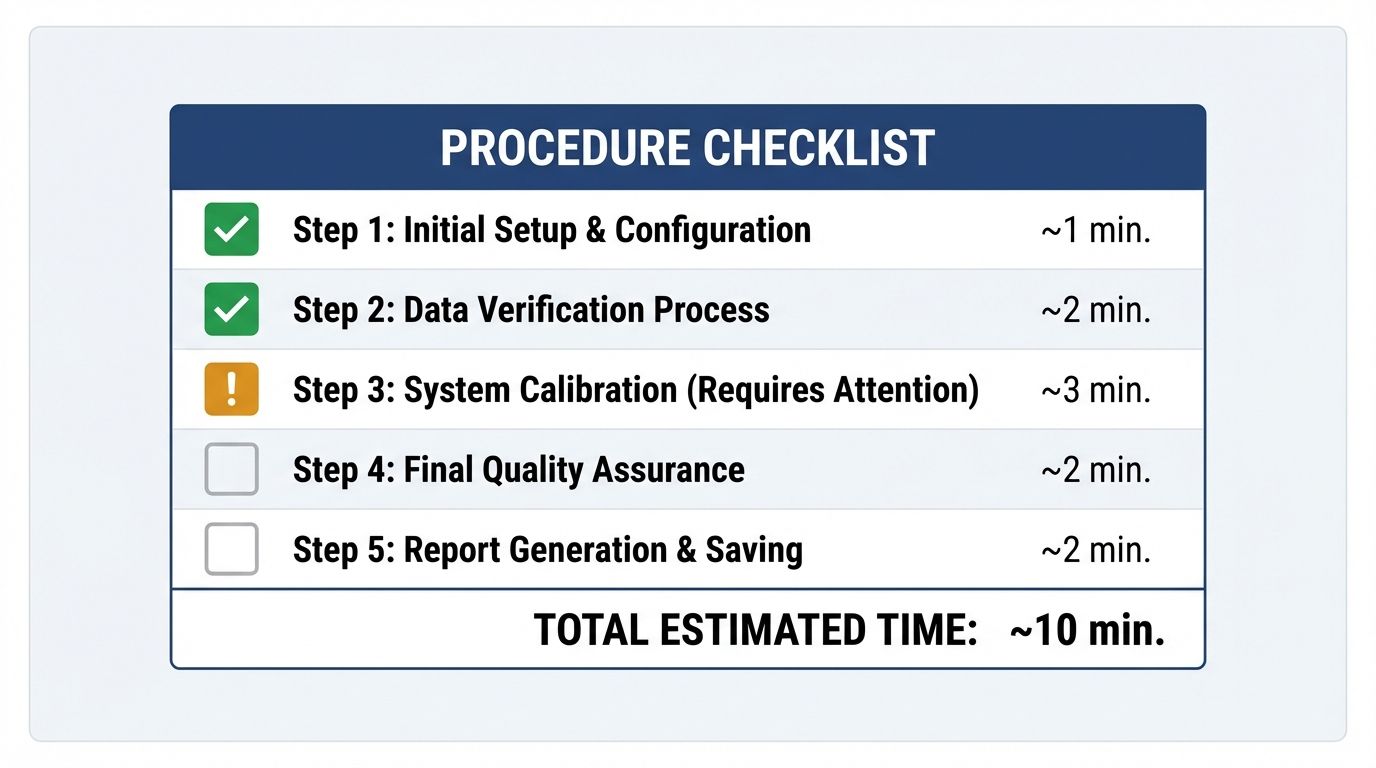
You don't need to know what a RAG pipeline is, or understand cosine similarity, token budgets, or heading-hierarchy semantics. You need a browser, ten minutes, and this checklist. AI readability is not exclusively a developer problem: marketers, content leads, and founders can identify the most common and most damaging visibility gaps without writing a line of code. The fixes may require developer time, but finding the problems doesn't, and knowing exactly what's broken and why is what turns a vague "we should do something about AI search" into a scoped work ticket.
Step 1: The Raw Source Check (2 minutes)
Open the page in Chrome and press Ctrl+U (Windows) or Cmd+Option+U (Mac) to open the raw HTML source, the actual code the server sent before any JavaScript ran, not the rendered view. Press Ctrl+F and search for the first sentence of your main body copy. If you find it, your content is server-rendered, good. If you can't, your content is client-side rendered and invisible to most AI crawlers, the most common and most damaging AEO failure, explaining more invisibility than any other single issue. Every other step assumes your content is reachable, so if this fails, that's your entire sprint right there. Flag it for your developer with the exact label: "We need SSR enabled so our content appears in the initial HTML response, not just after JavaScript loads," the fix dissected in the empty shell audit.
Step 2: The Robots.txt Check (1 minute)
Type your domain followed by /robots.txt and press Enter. Look for any Disallow: / applied to User-agent: *; if it exists without a corresponding Allow rule for major AI crawlers, you may be blocking the entire AI web. Also check whether GPTBot is mentioned anywhere; if not, your robots.txt predates the modern AI-crawler era and has never been reviewed for AI access. Send the file to your developer and ask them to check for blanket disallows and add explicit Allow: / rules for GPTBot, PerplexityBot, and ClaudeBot if absent. It's a plain-text change, typically under 30 minutes.
Step 3: The llms.txt Check (30 seconds)
Navigate to your domain followed by /llms.txt. A 404 means you don't have one, the fastest-to-implement, lowest-competition AI visibility signal available, present on only 0.2% of sites in the 1,500-site study. If you get text content, read the first few lines: does it describe your site accurately and link to your most important pages? If it doesn't exist, ask your developer to create a markdown file at the domain root, minimum viable being five lines (site name, one-sentence description, and two or three annotated links to your most important pages). Full details are in the llms.txt guide; setup is under an hour.
Step 4: The Schema Check (3 minutes)
Go to search.google.com/test/rich-results and paste in your homepage, your main product or service page, and one recent blog post. For each, the tool reports what structured data it found and whether it's valid. You're looking for whether any schema exists, whether it's valid, and whether it uses specific types (Article, Product, SoftwareApplication, Service) or just a generic WebPage. "No items detected" means the page has no structured data, so AI systems have to infer everything about your brand from raw text, and inference produces hallucinations. Flag the pages that returned nothing and specify the type that fits (SoftwareApplication for a product page, TechArticle for a technical post, Service for a services page), and share the scoring signals guide as a reference for which properties to populate.
Step 5: The Full Audit (3 minutes)
Go to websiteaiscore.com and submit your URL. The engine runs all six signal checks automatically (rendering, schema, token efficiency, entity clarity, crawl access, semantic structure) and returns a score with a prioritized breakdown of every issue, each with a plain-English explanation and a recommended fix. This consolidates Steps 1 through 4 and surfaces issues those manual checks miss, because token-efficiency ratio, entity disambiguation, heading-hierarchy analysis, and the 100-Token Rule can't be evaluated by eye. Take the priority fix queue from the report and turn each item into a work ticket with the audit explanation copied into the description; the report is written to be developer-readable, so you don't need to translate it.
What Happens After the Audit
The audit gives you a baseline, the baseline gives you a priority stack, and the priority stack gives your developer a sprint. After each fix is deployed, resubmit the URL: the score either moves or it doesn't, and if it moves in the signal you targeted the fix landed, while if it doesn't you have a diagnostic rather than a mystery. This loop, audit-fix-re-audit-confirm, is the entire AEO optimization process condensed into a repeatable cycle, and the first run is always the highest-value one because the lowest-hanging structural failures produce the biggest deltas, as detailed in the validation loop. For a site starting at 38, as in the recent case study, the first sprint alone moved the score to 91, most of the gain from three targeted fixes in under 14 hours of developer time.
Run the full audit now, free
Steps 1 to 4 find the obvious failures; Step 5 surfaces the ones you can't see by eye and hands you a prioritized, developer-ready fix queue.
Start your 10-minute audit →The contrarian point that should change who runs this audit: AI visibility has quietly become too important to leave entirely to engineering, and yet it keeps falling through the cracks precisely because marketers assume it's a developer problem and developers assume it's a marketing problem. The five steps above need no code, which means the person who feels the pain of being absent from AI answers, the marketer, the founder, the content lead, is fully capable of finding the cause in ten minutes. The teams that win this channel are not the ones with the best engineers, they're the ones where the person who cares about visibility stopped waiting for someone else to check.
References
- Website AI Score: free AI readability audit engine. websiteaiscore.com
- Google Rich Results Test: schema validation tool. Rich Results Test
- llms.txt Standard: implementation specification. llmstxt.org
- OpenAI GPTBot: robots.txt guidance and user-agent documentation. platform.openai.com/docs/gptbot
- Website AI Score Case Study: score 38 to 91, full audit walkthrough. View case study